
Beschrijving
OBI Tool for Makita Batteries – Diagnostics & Reset
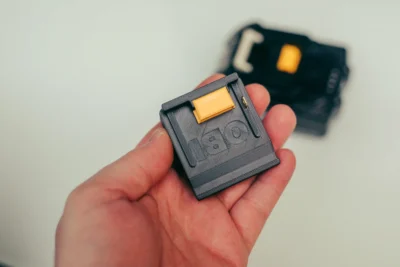
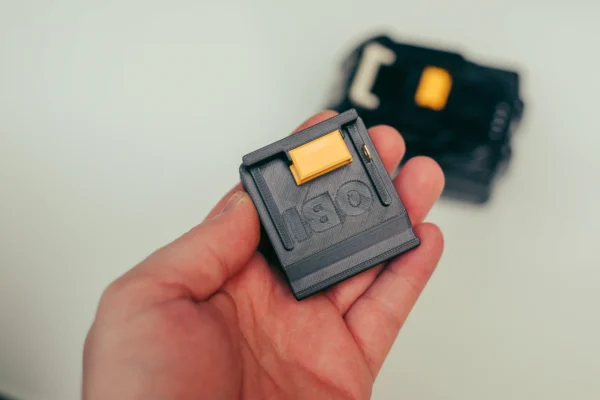
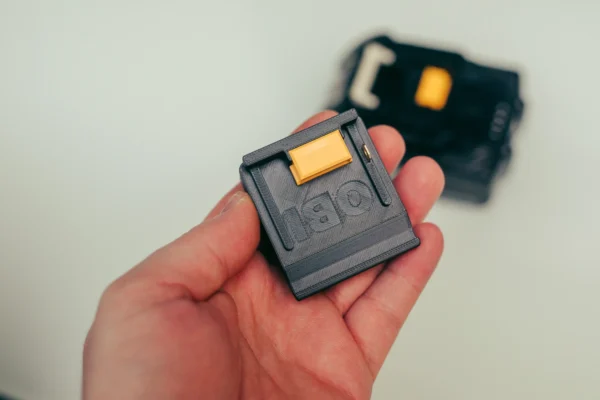
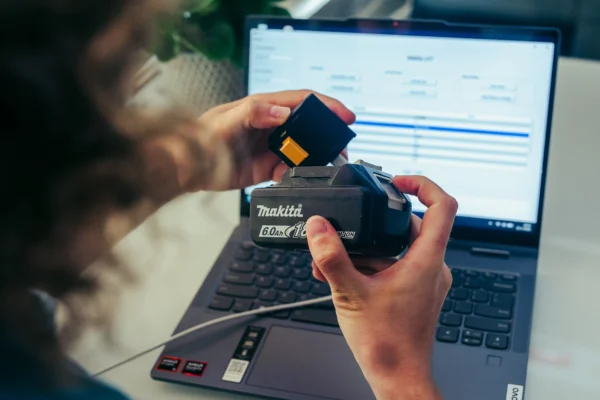
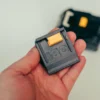
This tool is a pre-assembled version of the open-source Open Battery Information (OBI) project.
It is designed for users who want to use the OBI tool without having to 3D-print, solder, program, and assemble the hardware themselves.
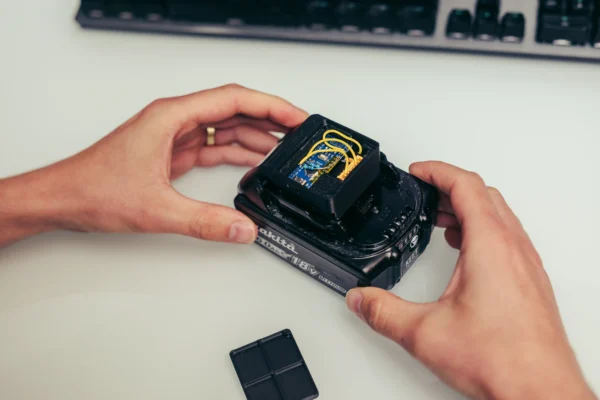
The hardware is assembled, flashed with firmware, and functionally tested before shipping.
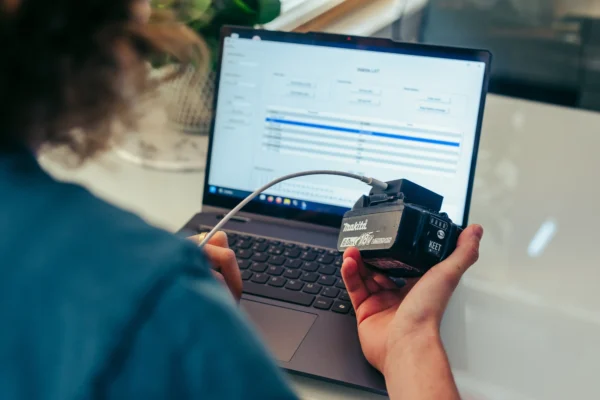
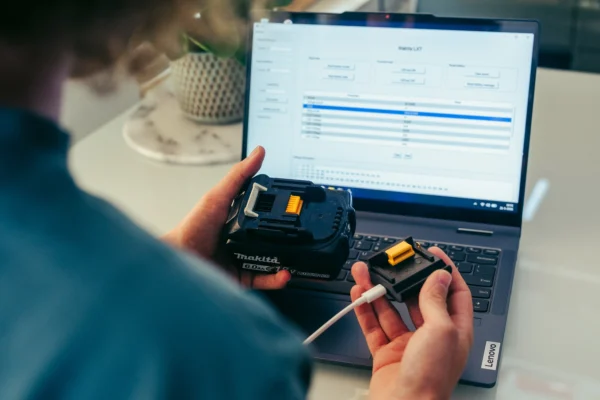
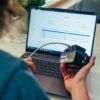
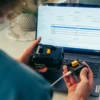
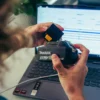
OBI can read information from supported Makita batteries, including battery status, cell voltages, temperatures, charge cycles, and error status. For supported BMS versions, certain stored error messages or lock states can be cleared.
A reset will not repair defective battery cells, fuses, sensors, or other hardware problems within a battery.
What’s included?
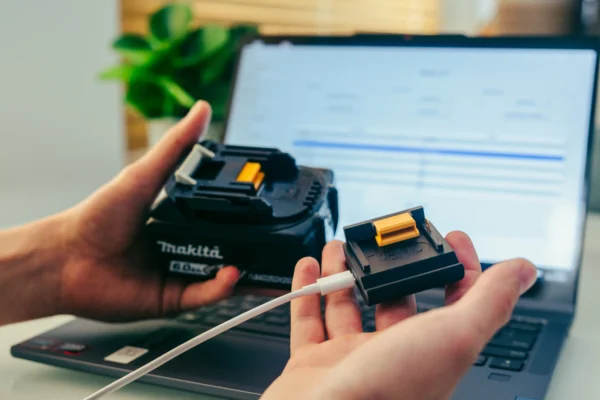
- Pre-assembled OBI interface
- Arduino Nano with pre-installed firmware
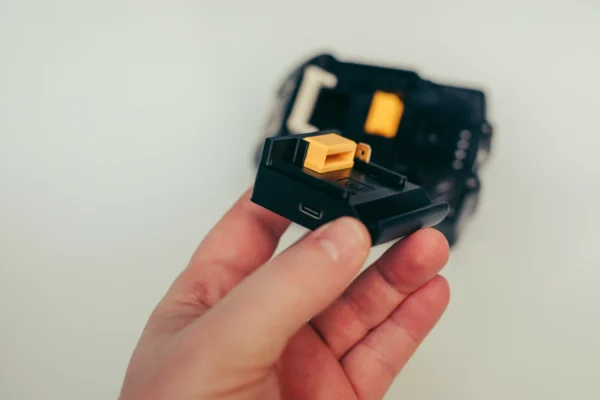
- 3D-printed enclosure
- Ready to use with the OBI web interface
- No separate software installation required
- USB-C cable not included
Would you prefer to build the tool yourself? Check out our build guide and the official Open Battery Information GitHub repository.
Compatibility with Makita Batteries
OBI supports various batteries from the Makita LXT BL18xx and BL14xx series.
However, compatibility depends on the BMS electronics installed in the battery. Batteries with the same model number may contain different BMS circuit boards depending on their year of manufacture.
Therefore, we cannot guarantee that every BL18xx or BL14xx battery can be read or reset.
Examples of BMS variants currently listed as supported by the OBI project include:
- LIPW014
- LIPW015
- LIPW017
- BL1850B / BL1850B-D
- BL1840B
- Certain BL1815N / BL1820 variants
Some older Makita BMS variants are not supported by OBI.
Before purchasing, always check the latest compatibility information on the OBI project’s Makita page.
Support for batteries, BMS versions, and features may change as the open-source project continues to develop.
Important Safety Information
A battery’s Battery Management System (BMS) may lock the battery when a fault or unsafe condition is detected. This is a safety feature.
Only use the reset function if you understand why the battery has been locked and have checked the battery’s condition.
A BMS reset must not be used to return a genuinely defective or unsafe battery to service.
Do not use the tool with batteries showing signs of, for example:
- Damaged or leaking cells
- Significant imbalance between cells
- Overheating
- Visible physical damage
- Damaged wiring or electronics
- Other indications of a defective battery pack
Reading or clearing an error message does not automatically mean that a battery is technically sound or safe to use.
Software, Firmware & New Features
OBI is an actively developed open-source project. Firmware, supported battery types, and features may change over time.
The latest information is always available in the official Open Battery Information GitHub repository.
Use GitHub to find:
- The latest firmware
- Documentation
- Battery and BMS compatibility information
- Software and connection troubleshooting
- Known bugs
- New features
- Feature requests
- Support for new battery types
If you experience problems detecting a specific battery or would like support for a particular BMS version, you can submit an Issue or Feature Request on GitHub.
Support for This Pre-Assembled Tool
We supply and test the pre-assembled OBI hardware.
We do not offer repair or diagnostic services for Makita batteries, and we cannot guarantee that a defective or locked battery can be restored using OBI.
Issues related to a specific battery, BMS version, modified firmware, future software updates, or hardware modifications fall outside the scope of our hardware support.
If you suspect that the OBI tool supplied by us is not functioning correctly, test it with another supported battery if possible. If the tool also fails to work correctly with that battery, please contact us.